

Bandizip Specifications
- 📅
Update
07/02/2024
- 🆚
Version
v7.23 (as of July 2024)
- 💻
OS
Windows, macOS
- 🌐
Language
English, Japanese, Chinese, etc.
- 🛠️
RAM
Minimum 512MB
- 💾
Storage
Minimum 100MB
- ⬇️
Download File
BANDIZIP-SETUP-STD-ALL.EXE (10.9MB)
- 🔑
License
Free
The start of quick and easy file compression, Bandizip
Bandizip is a free software that can quickly and easily compress and decompress various file formats. It features an intuitive interface and powerful performance, making it accessible for beginners and offering advanced settings for experienced users.
Bandizip’s main features
Powerful Compression and Decompression Features
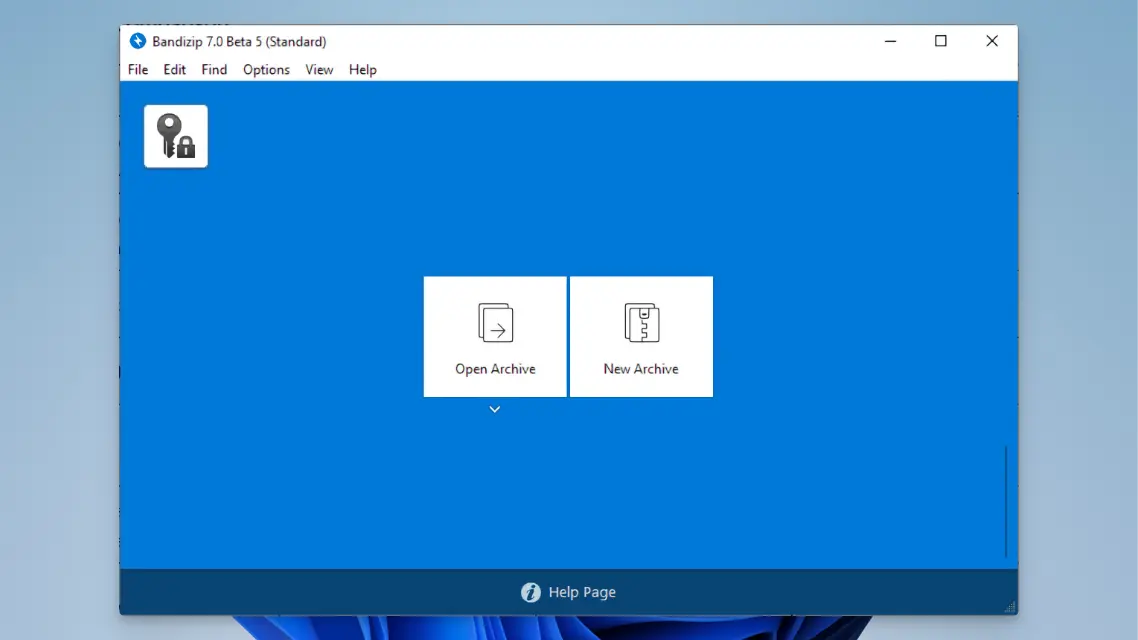
Bandizip supports various formats like ZIP, RAR, 7Z, and TAR, offering high-speed compression and decompression. Its performance excels by utilizing multi-core processors for these tasks. In comparison, competitors like WinRAR are paid, and 7-Zip has a more complex interface.
Fast Compression and Decompression Speed
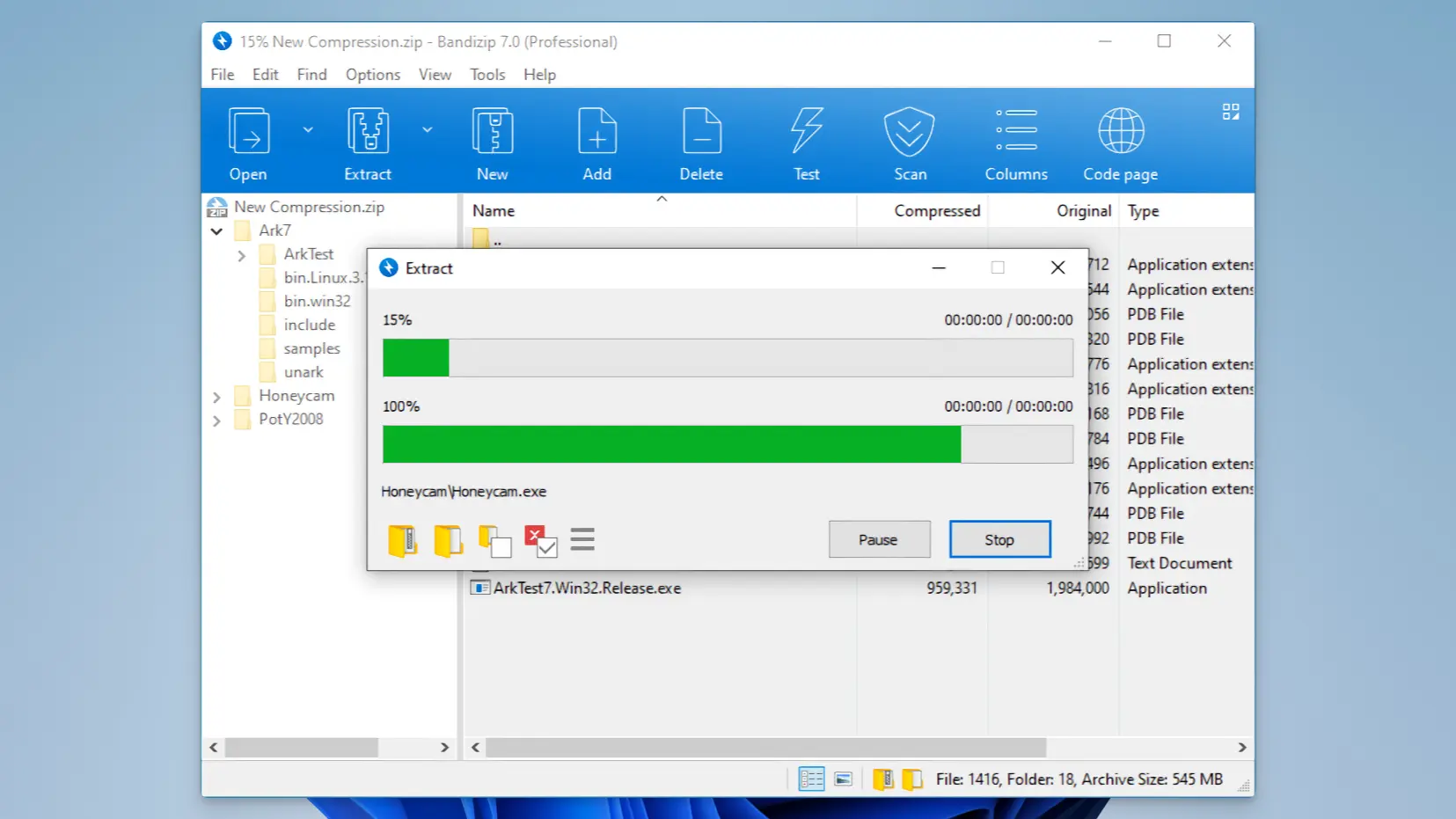
By utilizing multi-core CPUs, Bandizip boasts rapid compression and decompression speeds. For instance, compressing a 100MB file takes about 7 seconds, comparable to WinRAR. In contrast, 7-Zip and PeaZip take 8 and 9 seconds, respectively.
Support for Various Formats
Bandizip supports over 30 different file formats, including ZIP, RAR, 7Z, and TAR, allowing users to handle almost any file with a single program. On the other hand, WinRAR and WinZip have more limited format support.
File Encryption and Security
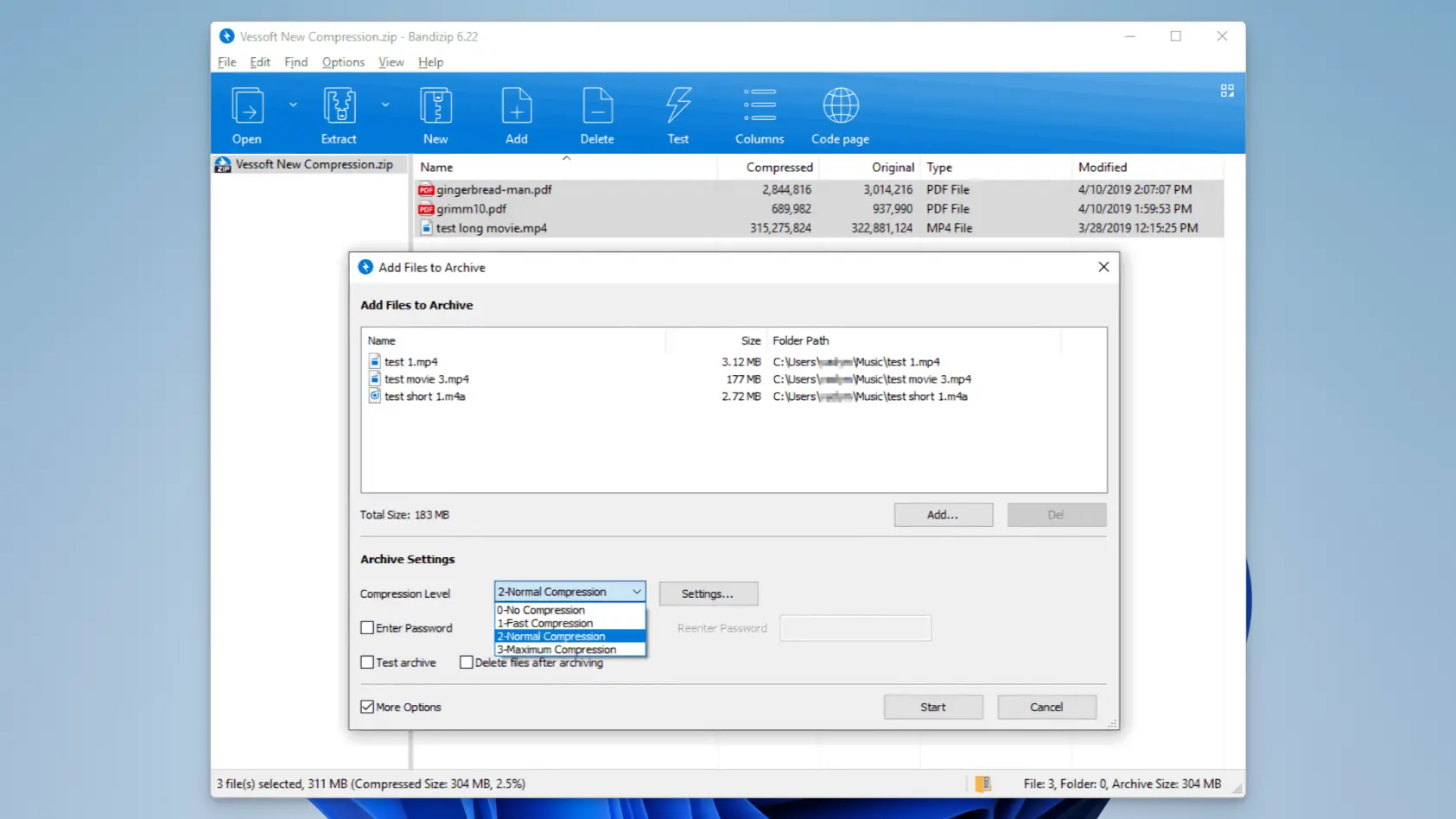
With AES-256 encryption, Bandizip securely protects files, making it useful for handling sensitive files requiring password protection. While other compression programs offer encryption, Bandizip provides this feature for free.
Split Compression Function
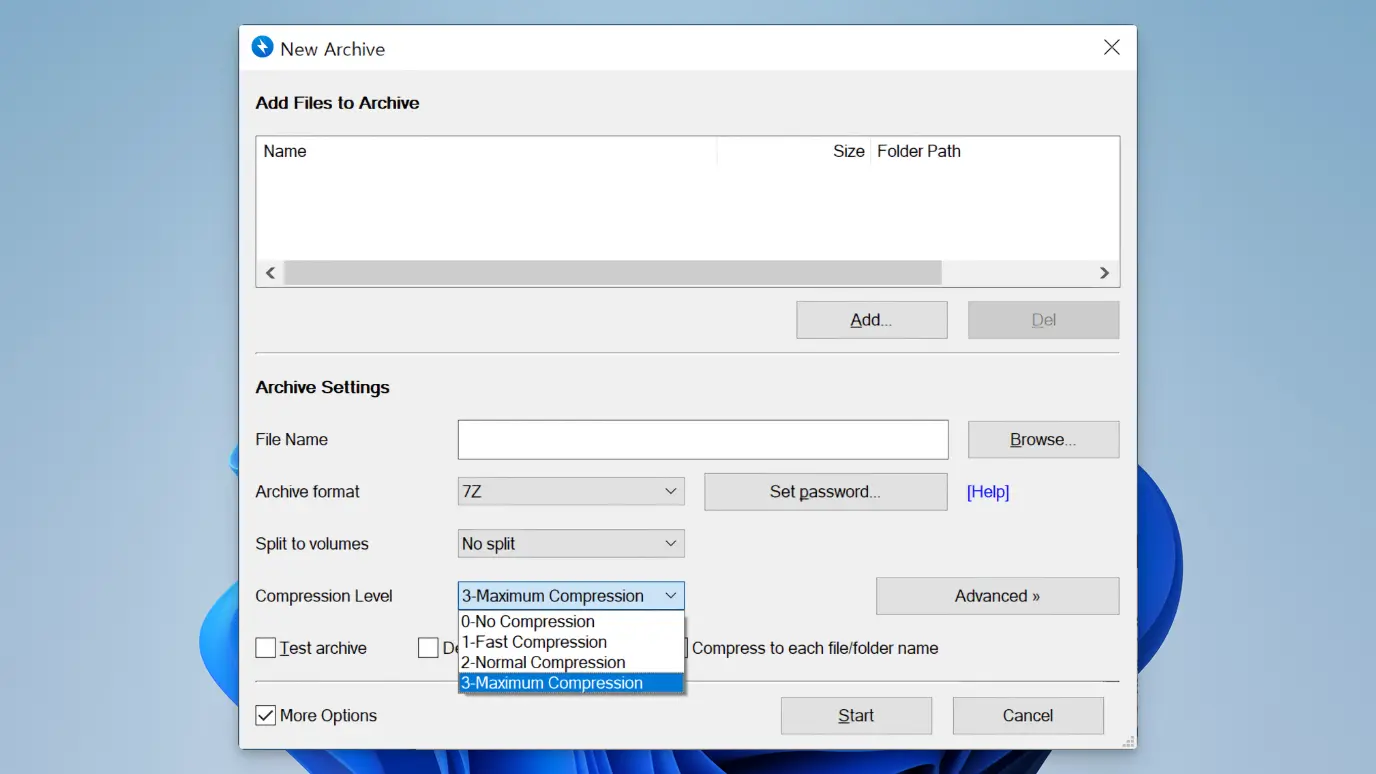
Bandizip allows you to split large files into several smaller ones, making it convenient for email attachments or file sharing. Although this feature is available in 7-Zip, Bandizip’s intuitive interface makes it easier for beginners.
Drag and Drop Support
Easily compress or decompress files by dragging and dropping them, significantly enhancing user convenience. While competing apps offer this feature, Bandizip’s interface is more intuitive.
Compressed File Inspection
Check the integrity of compressed files before using them to ensure safety. This feature is also available in WinRAR, but Bandizip offers it for free.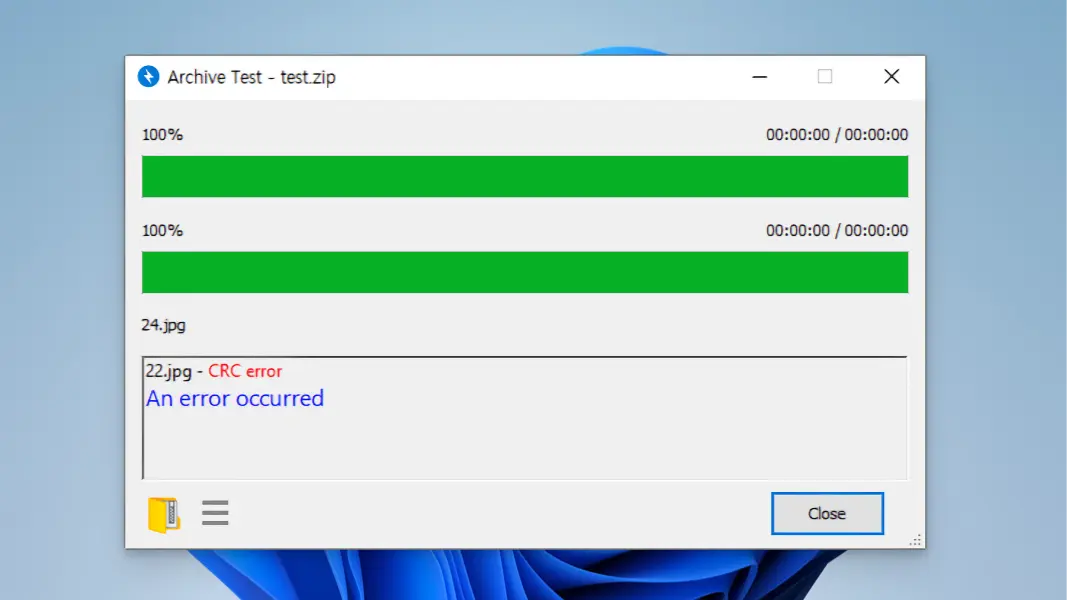
Support for Multiple Languages
Bandizip supports multiple languages, including Korean, making it easily accessible to users worldwide. This enhances the software’s global reach.
OS Requirements and Minimum/Recommended Specifications
| Item | Minimum Specs | Recommended Specs |
|---|---|---|
| OS | Windows 7 or higher | Windows 10 or higher |
| Processor | Intel Pentium 4 or higher | Intel Core i3 or higher |
| Memory | 512MB or higher | 2GB or higher |
| Storage | 100MB of free space | 500MB of free space |
| Display | 1024×768 resolution | 1280×1024 resolution |
Bandizip VS Competitor File Compression Programs
Bandizip excels in performance by utilizing multi-core CPUs for superior compression and decompression speeds, particularly for large files. Competitors like WinRAR offer top performance only in paid versions, and 7-Zip’s interface may be too complex for beginners.
Bandizip supports a wide range of formats and uses the latest compression algorithms for better compression rates and faster decompression. For example, Bandizip is about 10% faster than 7-Zip when compressing large video files.
Moreover, Bandizip includes many user-friendly features like drag-and-drop, split compression, and file encryption, catering to a broad user base from beginners to advanced users.
| Program | Supported Formats | Price | Compression Rate | Compression Speed | User Convenience |
|---|---|---|---|---|---|
| Bandizip | Over 30 formats | Free | 5% | 7 seconds (100MB) | Very convenient |
| WinRAR | Over 15 formats | Paid (free trial available) | 6% | 6 seconds (100MB) | Convenient |
| 7-Zip | Over 20 formats | Free | 7% | 8 seconds (100MB) | Average |
| PeaZip | Over 20 formats | Free | 6% | 9 seconds (100MB) | Average |
| WinZip | Over 15 formats | Paid (free trial available) | 5% | 6 seconds (100MB) | Very convenient |
User Convenience Comparison
| Program | Installation & Setup | Interface | Customer Support |
|---|---|---|---|
| Bandizip | Very easy | Intuitive | Fast |
| WinRAR | Easy | Intuitive | Fast |
| 7-Zip | Average | Complex | Slow |
| PeaZip | Average | Average | Slow |
| WinZip | Easy | Intuitive | Fast |
Compression Rate Comparison
Comparing programs like Bandizip, WinRAR, 7-Zip, PeaZip, and WinZip in terms of performance reveals the following:
| Program | Compression Rate | Compression Speed (100MB) |
|---|---|---|
| Bandizip | 5% | 7 seconds |
| WinRAR | 6% | 6 seconds |
| 7-Zip | 7% | 8 seconds |
| PeaZip | 6% | 9 seconds |
| WinZip | 5% | 6 seconds |
Pros
- Intuitive interface
- Supports various formats
- Fast compression/decompression speed
- Free to use
Cons
- Lack of advanced settings
- Some features limited in the free version
Bandizip : Download


Bandizip : FAQ
Yes, Bandizip is completely free, and all features can be used without any restrictions.
Bandizip supports various file formats, including ZIP, RAR, 7Z, and TAR.
Yes, Bandizip uses AES-256 encryption to securely protect files.
Bandizip is available for Windows, macOS, and Linux.


.svg)


